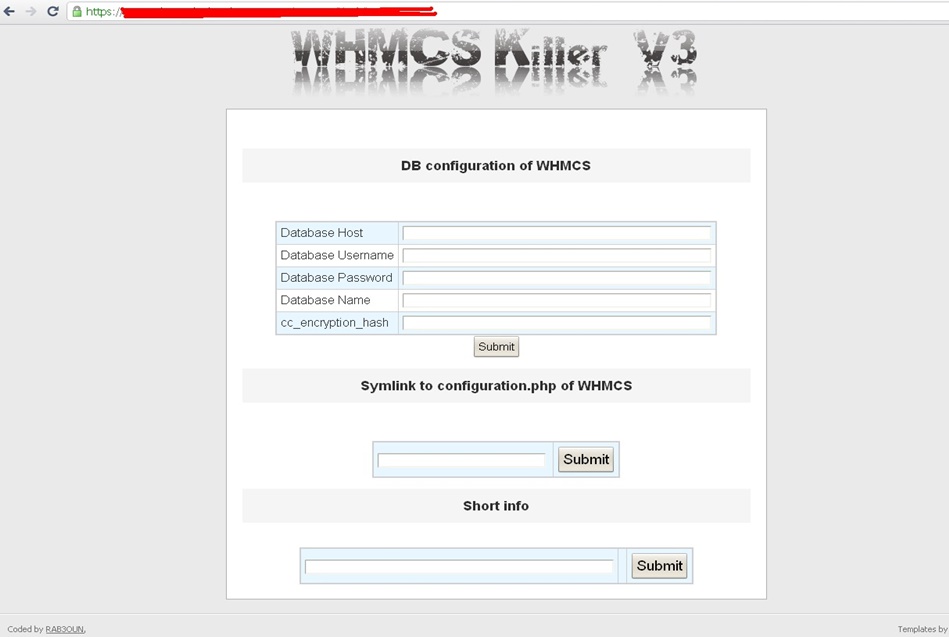
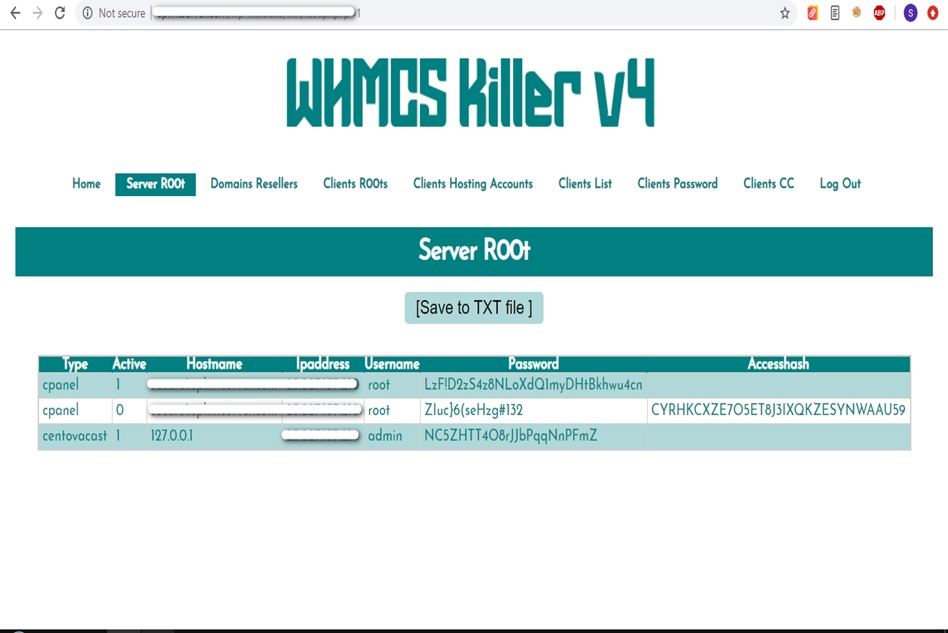
WHMCS Killer v4 Coded in Latest php version Tools Server R00t Domain Resellers Clients R00ts Clients Hosting Accounts Clients CC Clients Password NEw DEsign
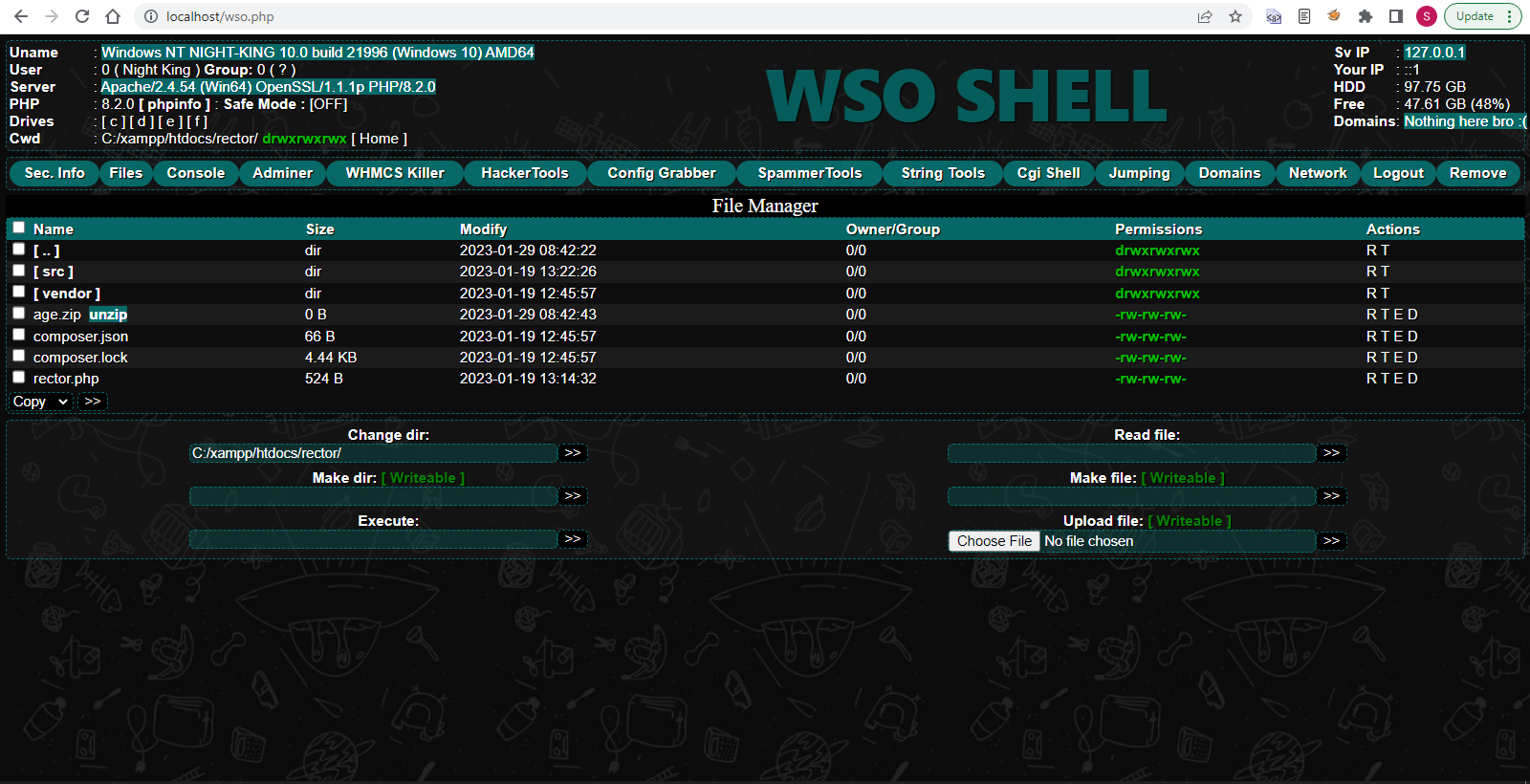
WSO SHELL 2023
[Hacker Tools] cPanel/WHM/WebMail Cracker - Create RDP - Getting Passwords - Finder .accesshash/WHM - Finder .my.cnf/cPanel - Auto Change Admin User WordPress/Joomla/OpenCart - Zone-h Poster - Install BackDoor [Spammer Tools] Create SMTP - Create Mailer - Mail Sending Checker - Redirects - Getting Emails-List - Emails-list Filter [Other Features] Adminer - WHMCS Killer v4 - Unzip - Config Grabber[Advanced] - Server Jumping - Cgi Shell - Back Connect - Domains List [Supported] php 5.x - php 7.x - php 8.x Password:dadsec
, if you’re a casual user with a well-cooled system. You won’t benefit much, and third-party tools can feel clunky. Final Take Microsoft should definitely add native temperature monitoring to the taskbar (like in Windows 10’s task manager gadget days). Until then, third-party tools are your only option – and they work reasonably well. Just be prepared for occasional tinkering.
For most users, + enabling “Notification Area” and moving the temperature display near the clock is the simplest path. For more polish, HWiNFO + a Rainmeter skin like Gadgets by SilverAzide gives you modern-looking temp readouts. Verdict: Should You Bother? Yes , if you’re a power user, gamer, or work with thermal-heavy applications (rendering, VMs, encoding). Seeing temperature spikes helps you optimize fan curves, detect failing cooling, or spot background processes cooking your CPU. temperature on taskbar windows 11
8/10 for usefulness, 6/10 for implementation ease on Windows 11. Would you like a step-by-step guide to setting up one of these tools? , if you’re a casual user with a well-cooled system
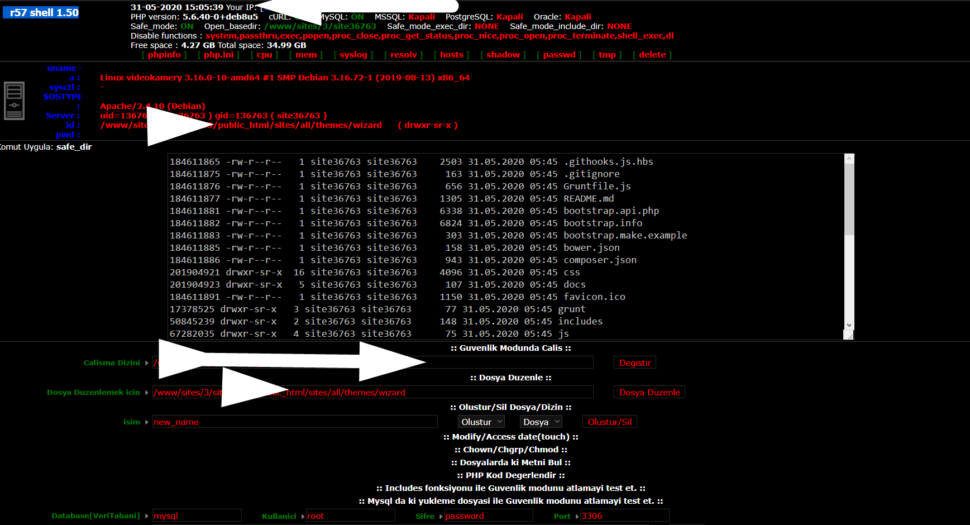
Wr57 shell txt
visit the most interesting R57 pages, well-liked by users from your country and all over the world, or check the rest of r57.biz data below. R57.biz is a website, reported to be malware-infected or hijacked, so you should stay away from it until the problem is resolved. We found that English is the preferred language on R57 pages. Their most used social media is Facebook with about 93% of all user votes and reposts.
, if you’re a casual user with a well-cooled system. You won’t benefit much, and third-party tools can feel clunky. Final Take Microsoft should definitely add native temperature monitoring to the taskbar (like in Windows 10’s task manager gadget days). Until then, third-party tools are your only option – and they work reasonably well. Just be prepared for occasional tinkering.
For most users, + enabling “Notification Area” and moving the temperature display near the clock is the simplest path. For more polish, HWiNFO + a Rainmeter skin like Gadgets by SilverAzide gives you modern-looking temp readouts. Verdict: Should You Bother? Yes , if you’re a power user, gamer, or work with thermal-heavy applications (rendering, VMs, encoding). Seeing temperature spikes helps you optimize fan curves, detect failing cooling, or spot background processes cooking your CPU.
8/10 for usefulness, 6/10 for implementation ease on Windows 11. Would you like a step-by-step guide to setting up one of these tools?